
Announcement
This page is also available in Deutsch, Español, Français, Italiano, 日本語, and Português.
New in DataHub: Upload Anthropic spend reports without manual conversion
Schema templates let you ingest provider-native CSV files directly into DataHub.
DataHub schema templates: import Anthropic spend reports directly
Anthropic's Enterprise Analytics API is not available on the Team plan. Team admins get dashboards and CSV exports only.
Previously, this meant one of two things: costs were not uploaded into Cloud Intelligence, or exported CSV reports had to be reformatted to match the canonical DataHub Events schema before every upload. This was tedious, error-prone, and unnecessary.
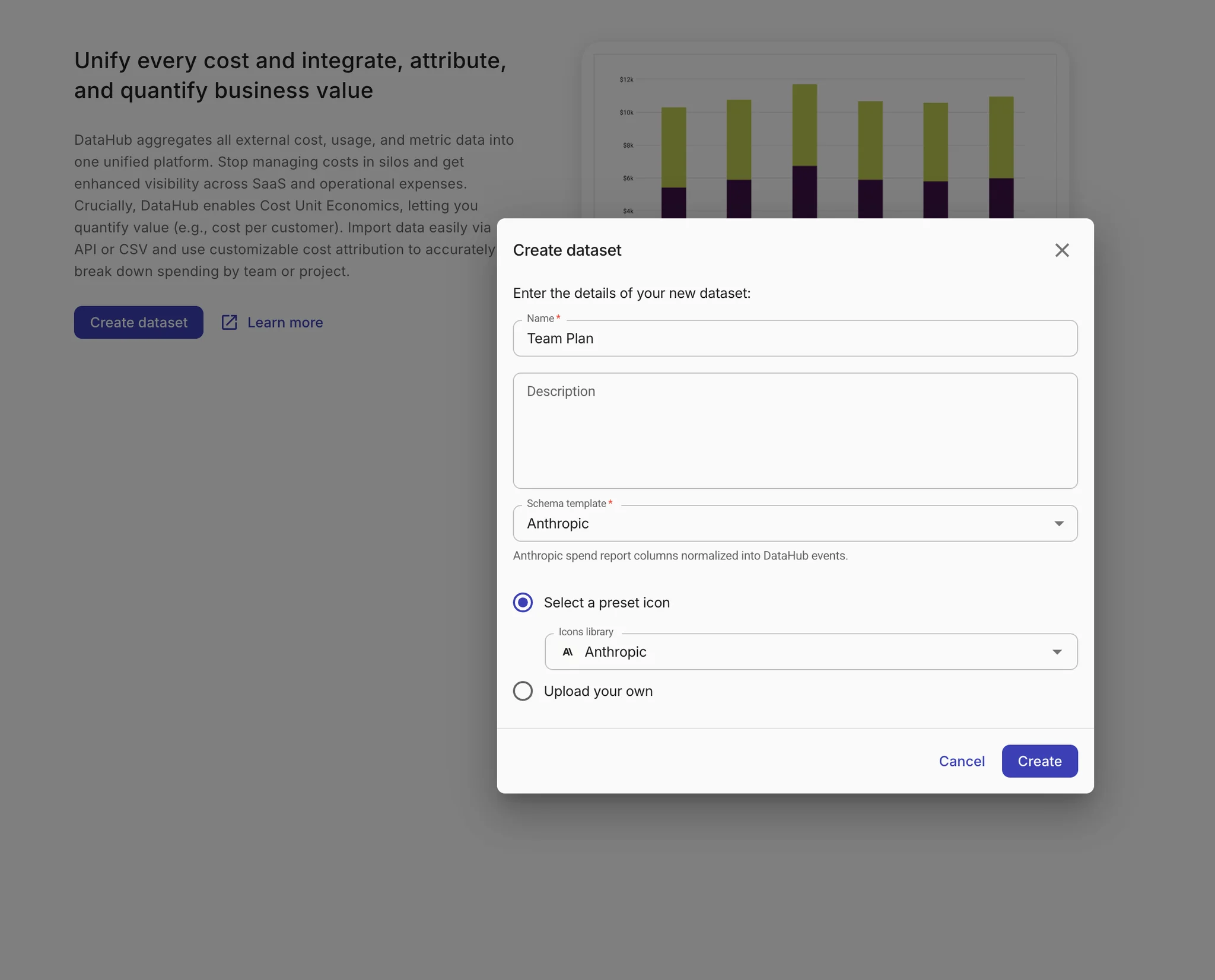
DataHub now supports schema templates. Select a template when you create a dataset, and the ingestion service validates, normalizes, and transforms your provider-native CSV into DataHub events automatically. The first supported template covers Anthropic spend reports, with more to follow.
- Direct CSV upload: Upload your Anthropic spend report as exported. DataHub maps products and models into canonical service, SKU, and usage dimensions without manual editing.
- Report-period validation: Overlapping report periods are detected and handled, preventing duplicate cost records in your dataset.
- Template persistence: The template stays linked to your dataset across creation, listing, details, and future imports. No reselecting each time.
- Clearer validation errors: When a file doesn't match the expected schema, you get specific feedback on what to fix before ingestion.
- GenAI Intelligence visualizes this data out of the box for you.
To get started, export your spend report in Anthropic, open DataHub and create a new dataset using the Anthropic spend report template and upload the unmodified CSV file.
Available to Cloud Intelligence™ customers.
