Announcement
This page is also available in Deutsch, Español, Français, Italiano, 日本語, and Português.
New financial metrics for Composer-powered Cost Insights
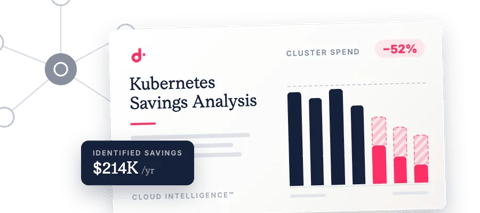
See the estimated dollar impact of acting on your cost insights — savings, cost avoidance, and commitment effects — across AWS, Google Cloud, and Azure.
By Herald
·Shipped by
Composer insights tell you what to fix, and now they also give more context on the likely financial impact of acting on them.
You'll now see four new financial metrics in your Cost Insights page:
- Potential cost savings: Savings related to shutting down unutilized/idle resources, with more savings types coming soon.
- Cost avoidance: Costs related to EOL / extended support fees that you could avoid paying if you upgrade before the EOL date.
- Freed commitments: Commitment you're already paying for (Savings Plans, RIs, CUDs) that's currently tied up covering the resources flagged in Insights. Acting on them frees that commitment to cover other usage, or to right-size at your next renewal.
- Avoidable commitments: Extra committed spend your current setup would otherwise push you to consume to keep covering the resources flagged with potential savings in Insights. Acting on these insights lets you avoid taking it on.
These estimates are built on a rebuilt savings calculator that goes well beyond earlier versions. They span your AWS, Google Cloud, and Azure environments, factoring in your specific contracts, discounts (like EDPs), and commitment coverage.
To start exploring your potential savings, open Insights and select any cost insight to see its potential financial impact.
Note that these metrics live on the new Composer-powered insights experience. If Composer isn't enabled yet, turn it on per cloud provider (AWS account, Azure tenant, or Google Cloud project) first.
This experience is available to Cloud Intelligence™ customers on the Enhanced and Enterprise plans.
Related documentation