Improvement
This page is also available in Português, Deutsch, Español, Italiano, Français, and 日本語.
Create Shared Slack Channels Automatically
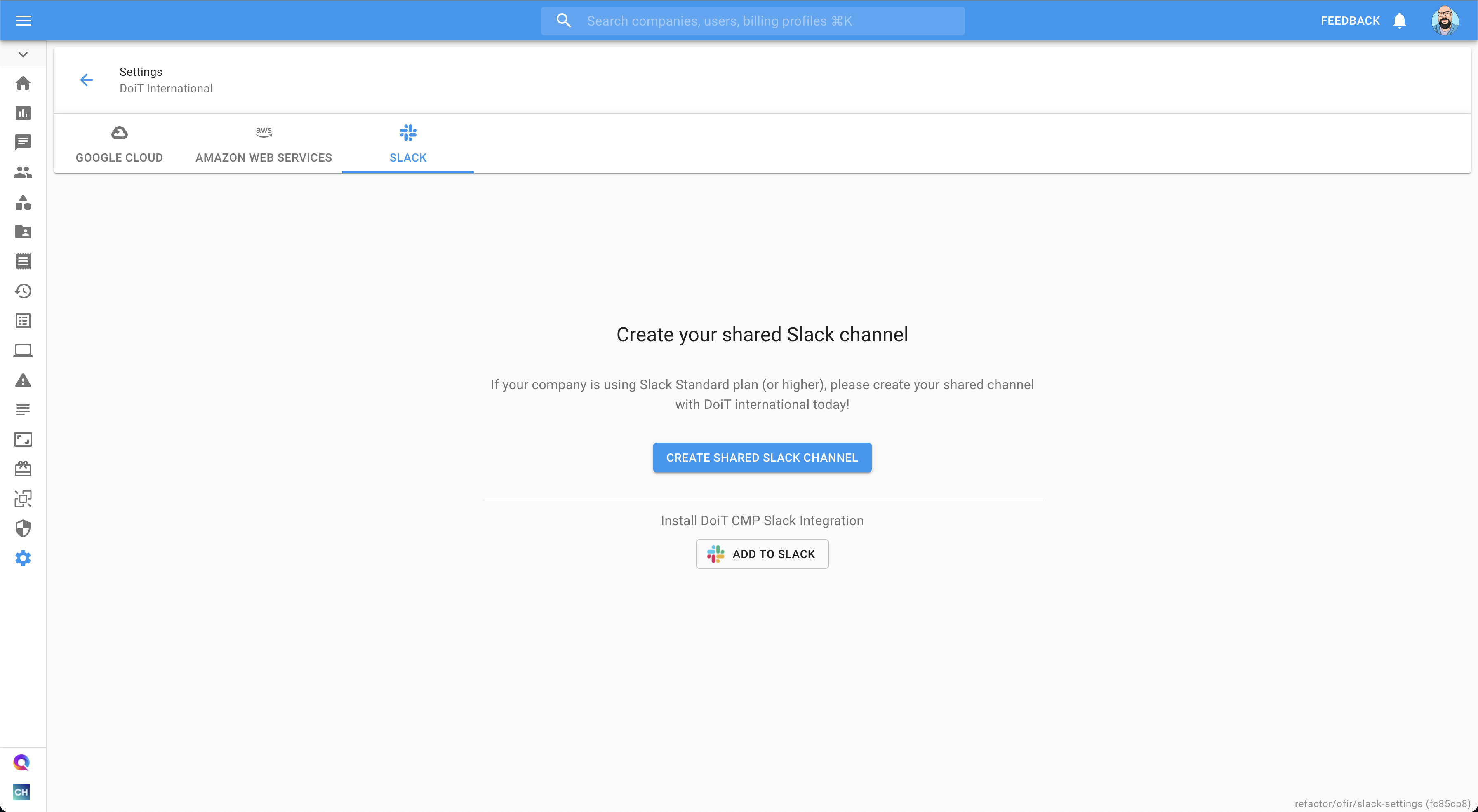
Shared Slack channels with your DoiT account and engineering teams can now be created directly from Settings without submitting a support request.
As a DoiT customer, you can have a Shared Slack channel to facilitate efficient communication with your account management team and the Customer Reliability Engineering teams. Previously, shared Slack channels could have been created by submitting a support request bit now you can create a shared Slack channel by just going to the Settings -> Slack and then clicking on "Create Shared Slack Channel"