Announcement
This page is also available in Português, Deutsch, Español, Italiano, Français, and 日本語.
Build cloud cost allocations with natural language prompts
Create complex cloud cost allocations effortlessly using natural language prompts in the Agentic AI side panel.
By Matan Bordo
Allocations let you map cloud costs to the right teams and stakeholders, ensuring every dollar is assigned a clear owner. This transparency is the foundation for driving true cost accountability across your company.
And now, building allocations in Cloud Intelligence™ is as simple as having a conversation. You can create complex allocations effortlessly using natural language prompts in your Agentic AI side panel.
For example, you can write a prompt like:
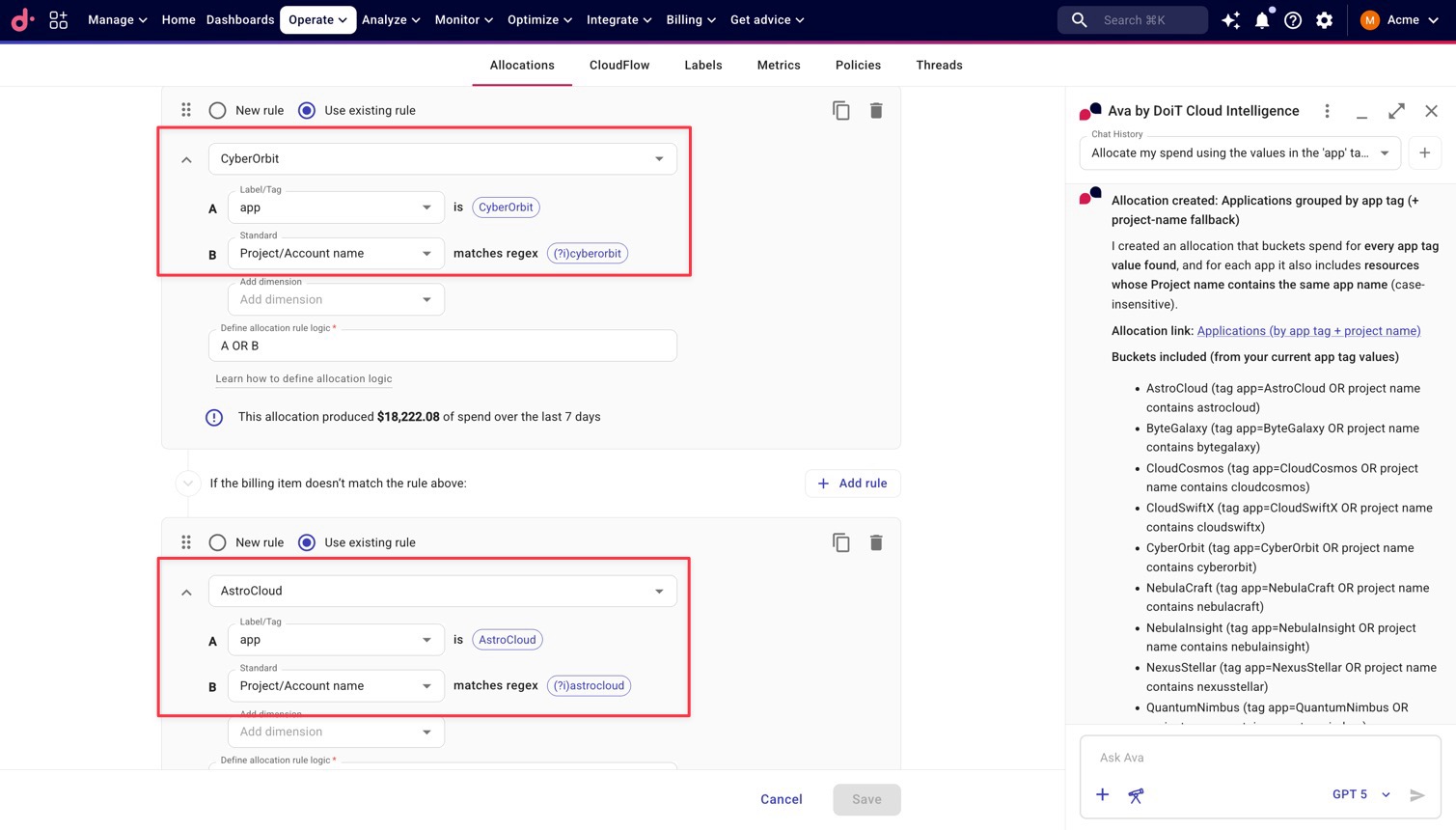
Allocate my spend using the values in the 'app' tag to define the groups. For each group, also capture resources in any Google Cloud projects or AWS accounts that contain those same application names.
And as shown below, using the above prompt we can build an allocation group consisting of nine allocations, one for each of our apps.
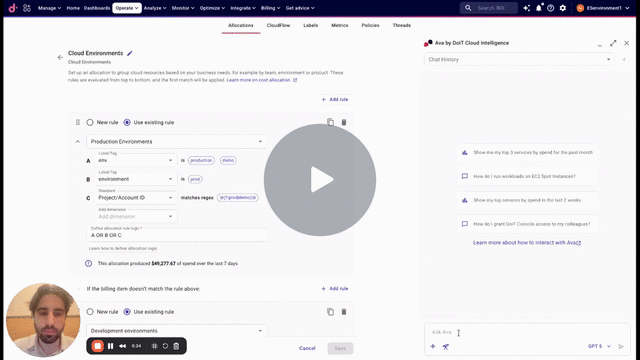
To get started, try your first prompt in Cloud Intelligence™ or watch our 2-min. demo video of this in action:
Related documentation