
Announcement
Keyboard-first navigation
This page is also available in Deutsch, Español, Français, Italiano, 日本語, and Português.

We added faster keyboard navigation, plus a built-in shortcuts overlay to help you discover available actions.
What's new
- Open the navigation menu with
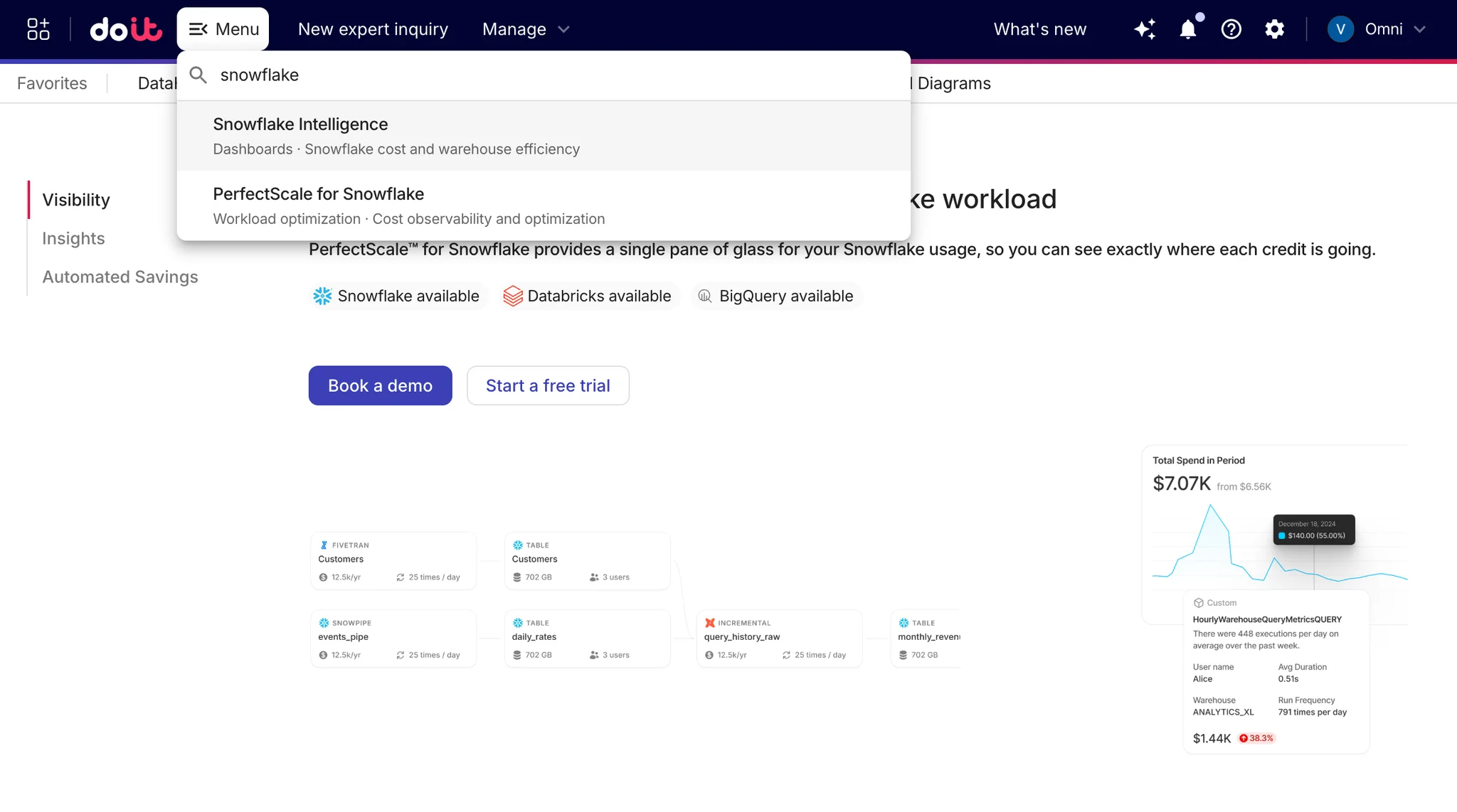
Alt+Son Windows orOption+Son macOS (or/on any operating system) - Start typing what you are looking for, such as "CloudFlow," "Kubernetes," etc.
- Select using keyboard arrows and press enter
Can you also jump between key pages with navigation chords:
gthenh-> Homegthend-> Dashboardsgthens-> Support- Open the shortcuts overlay from anywhere with
?. - Use the updated menu search to quickly find navigation items by title or subtitle.
Also included
- Wider navigation menu for better readability.
- Improved keyboard-shortcuts overlay layout and clarity.
- OS-aware shortcut display for Quick search (
Cmd+Kon macOS,Ctrl+Kon Windows).
Documentation
- Help Center guide: https://help.doit.com/docs/general/keyboard-shortcuts
Related documentation